
CS2 Skin Exchange

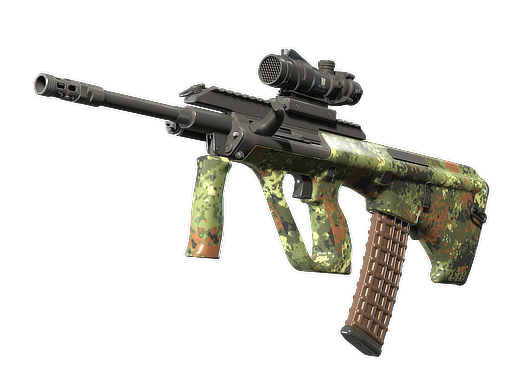
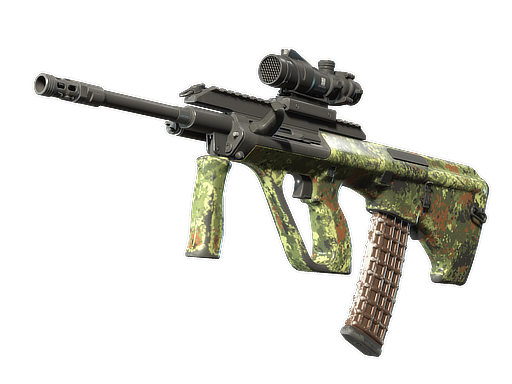
- MWPlenty availableAUGCommando Company0.08
- FTPlenty availableAUGCommando Company0.08
- WWOut of stockAUGCommando Company0.08
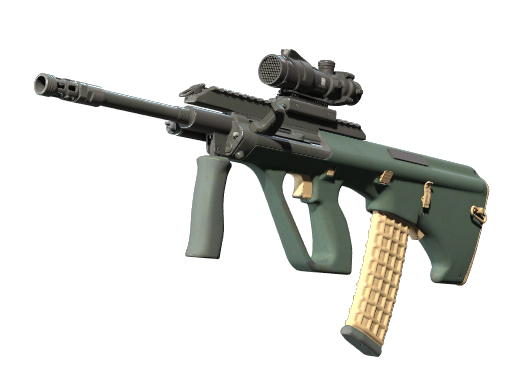
- FTPlenty availableAUGContractor0.08
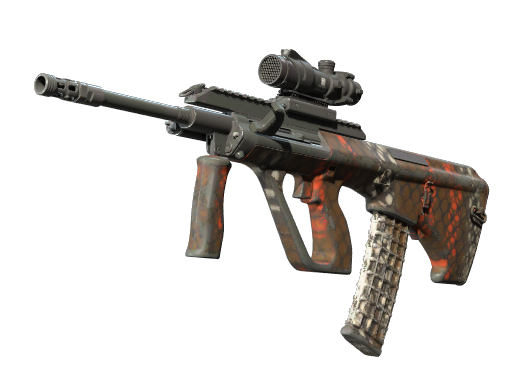
- FTPlenty availableAUGSweeper0.08
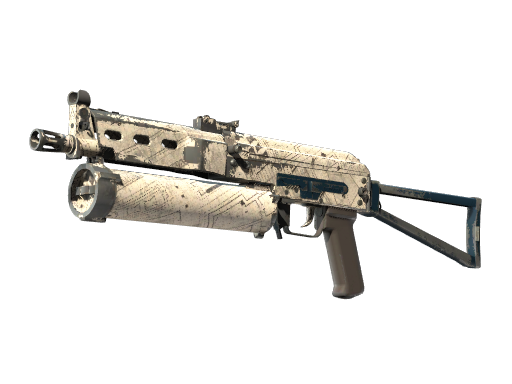
- FTPlenty availablePP-BizonFacility Sketch0.08
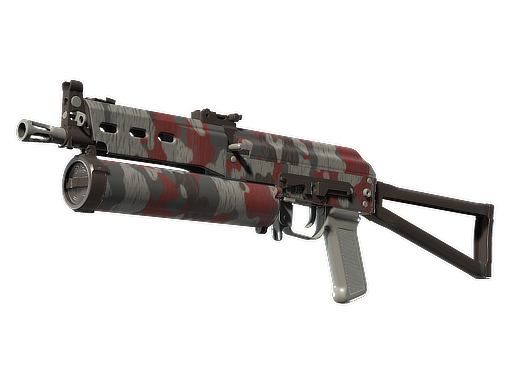
- MWPlenty availablePP-BizonWood Block Camo0.08
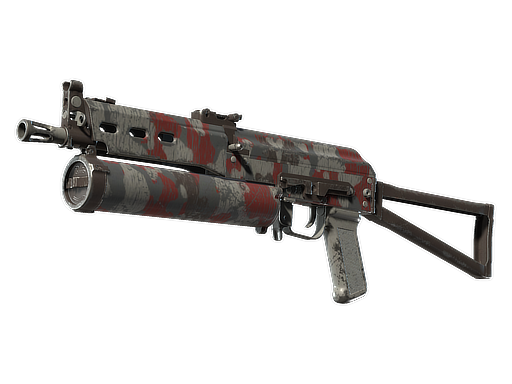
- WWPlenty availablePP-BizonWood Block Camo0.08
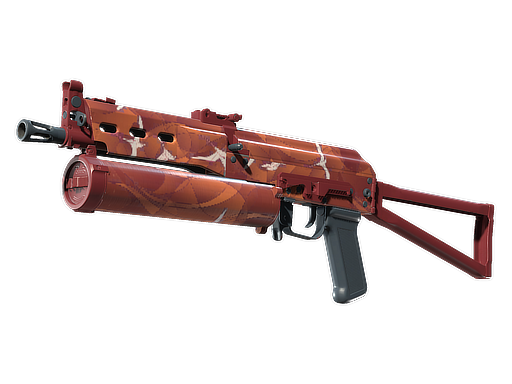
- MWPlenty availablePP-BizonThermal Currents0.08
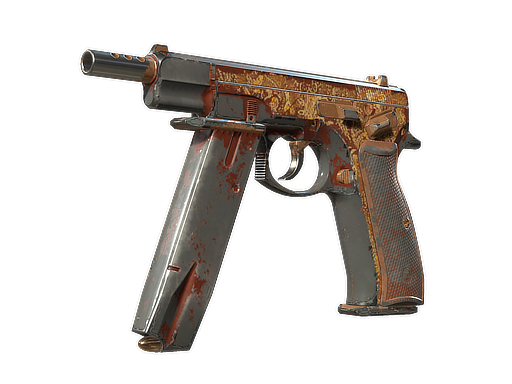
- MWPlenty availableCZ75-AutoHoney Paisley0.08
- FTPlenty availableCZ75-AutoHoney Paisley0.08
- WWIn stockCZ75-AutoHoney Paisley0.08
- BSIn stockCZ75-AutoHoney Paisley0.08
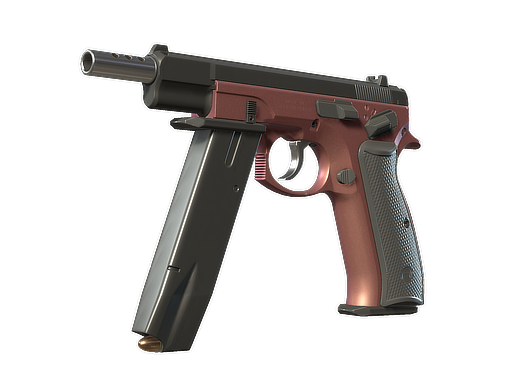
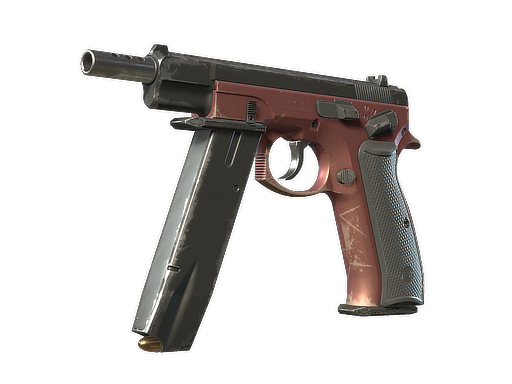
- MWPlenty availableCZ75-AutoPink Pearl0.08
- WWOut of stockCZ75-AutoPink Pearl0.08
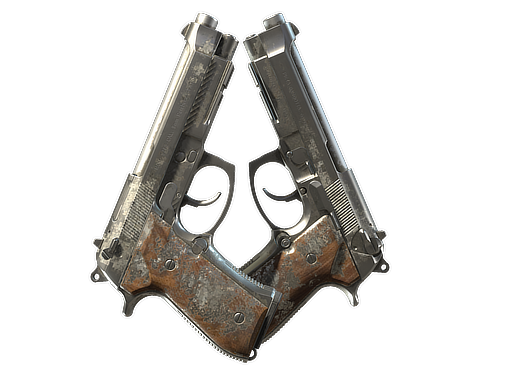
- WWOnly a few leftDual BerettasContractor0.08
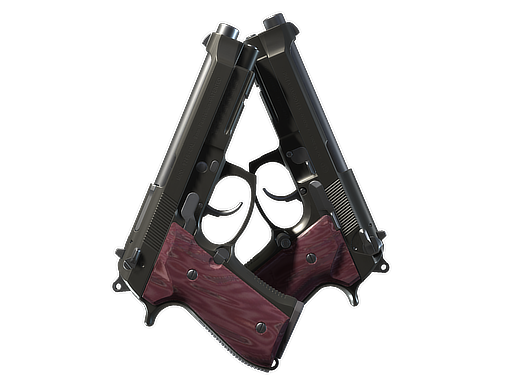
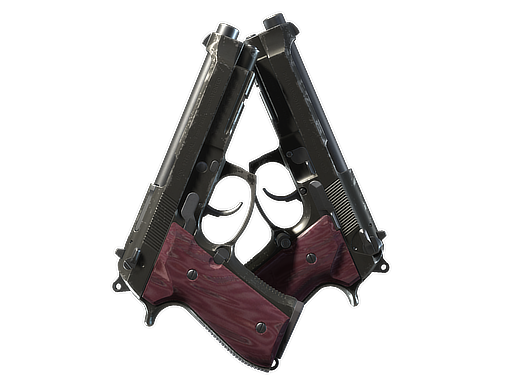
- MWPlenty availableDual BerettasBorDeux0.08
- FTPlenty availableDual BerettasBorDeux0.08
- WWPlenty availableDual BerettasBorDeux0.08
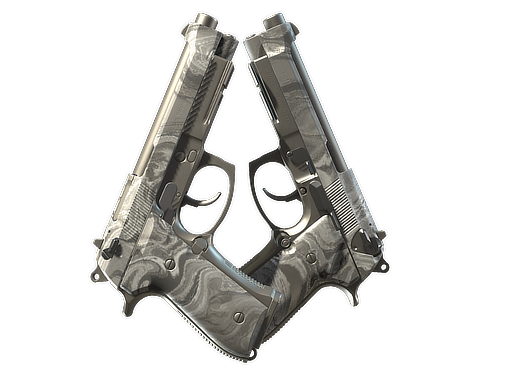
- MWPlenty availableDual BerettasSilver Pour0.08
- BSIn stockDual BerettasSilver Pour0.08
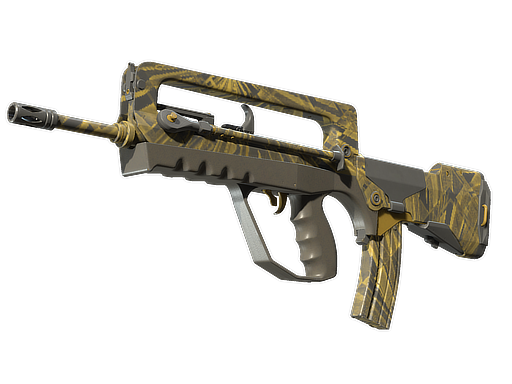
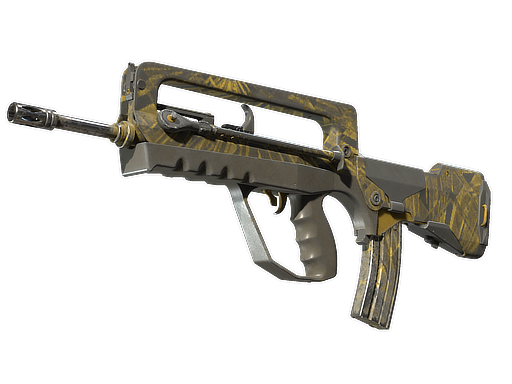
- MWPlenty availableFAMASByproduct0.08
- WWOnly a few leftFAMASByproduct0.08
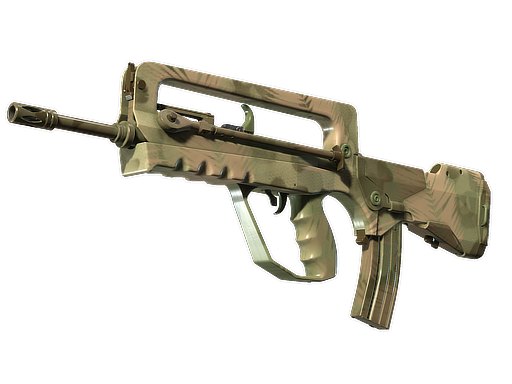
- MWPlenty availableFAMASPalm0.08



How the CS2 skin exchange works
The SkinTrain exchange is the direct route to a specific Counter-Strike 2 skin. Pick it in the catalogue above and cover its price with skins you already own, with your balance, or with both at once. You choose the result before you pay, and it does not change.
Do I get the exact skin I pick?
Yes, every time. The exchange is deterministic: the result is fixed by your choice, not decided after it. The skin you select is the skin that lands in your SkinTrain inventory, carrying the same value its card showed you.
What can I pay with?
Skins you no longer use, your balance, or any mix of the two. Your own skins count at their full listed value, and when they cover more than the price, the difference is credited straight back to your balance.
How is the exchange fee shown?
As its own line, before you pay. Every card in the catalogue shows the skin's own value, the same value it carries in your inventory, and the service fee is added on top. The summary lists the value, the fee and the total together, so nothing is discovered after the fact. The current rate is spelled out in the help panel on this page.
How does the skin get to Steam?
A completed exchange places the skin in your SkinTrain inventory. From there you can keep it, spend it on a later exchange, or send it on to your Steam account. Steam trade holds and supply can delay that last step.
Exchange, case or upgrader?
Cases, case battles and the upgrader keep the result hidden until the moment it lands. The exchange removes that moment: you name the skin, the card names its value, the summary adds the fee and shows the total, and confirming carries out what you already decided. When one specific skin is the goal, exchange for it. When you would rather be surprised, the CS2 cases and the skin upgrader are a click away.