
How the SkinTrain Upgrader works
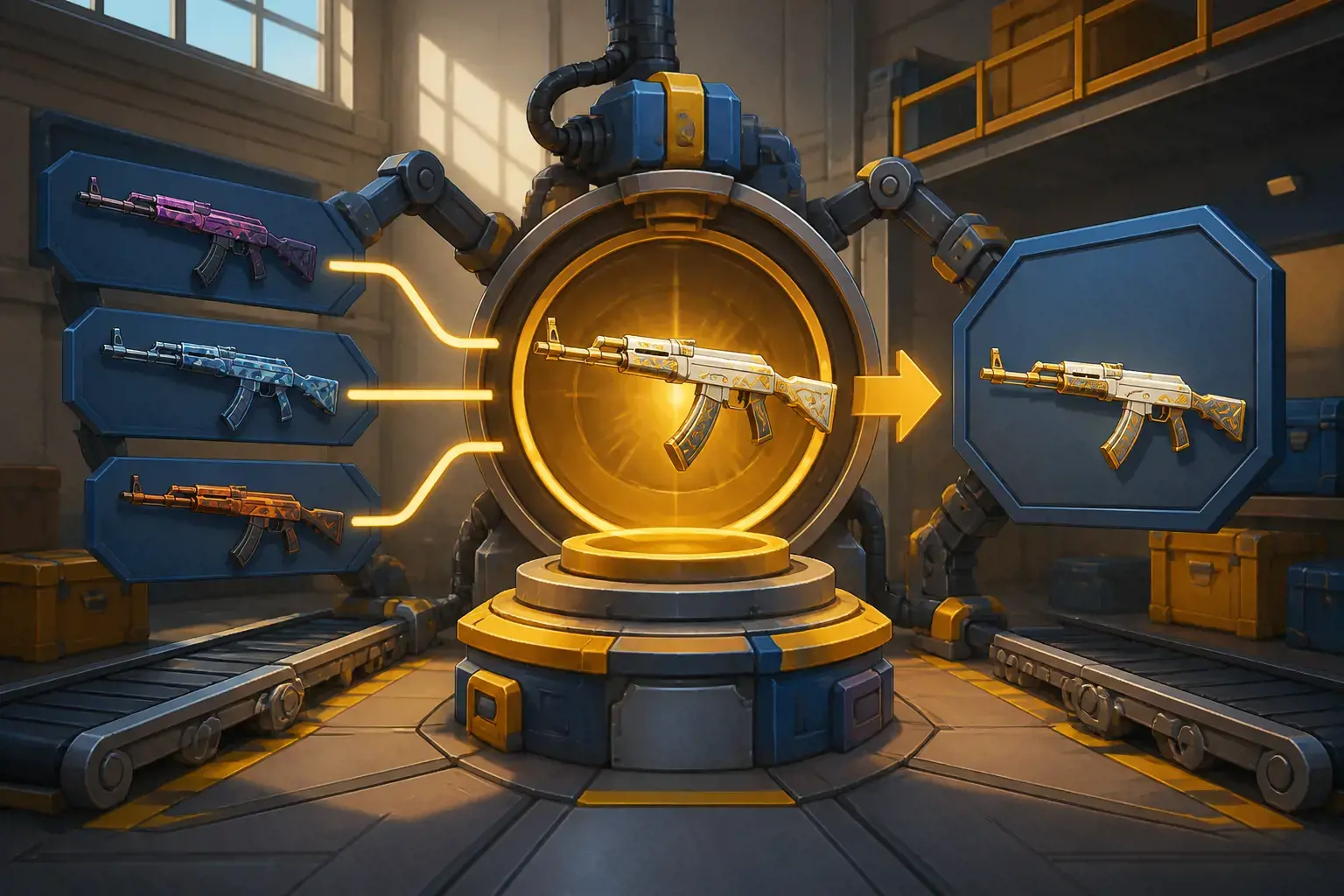
The Upgrader is one of the fastest ways to chase a specific skin on SkinTrain. You put in something you already have, and you get a shot at swapping it for something worth more. This guide explains how it works, the difference between the two modes, and how every result is provably fair. If you already know the mechanics, the Upgrader itself is one click away.
The basic idea
The Upgrader takes one thing you own, an item from your inventory or some of your Coals balance, and offers a chance to swap it for a higher-value target skin. You choose the source you are putting in and the target you are aiming for, and the Upgrader shows you the multiplier between them, the jump in value you are trying to make.
If the upgrade succeeds, the target skin lands in your SkinTrain inventory. If it misses, you do not walk away empty-handed: the Upgrader returns a consolation skin instead, usually worth less than what you put in. The bigger the jump in value you aim for, the harder the upgrade is to hit, so aiming one tier up behaves very differently from swinging for a top-tier knife.
Choosing a source and a target
The source is what you put in. It can be a skin from your inventory or an amount of your Coals balance, whichever you would rather risk. The target is the skin you want. Pick a more valuable target and the multiplier climbs; pick something closer in value and the jump is smaller. The Upgrader shows the multiplier and whether your chosen pairing is eligible before you commit, so there are no surprises once you pull the trigger. Open the Upgrader to see the live pairings and multipliers for the skins you hold.
It is not a Steam trade-up contract
The SkinTrain Upgrader is easy to confuse with a Steam trade-up contract, but they are separate things. A Steam trade-up contract is a Valve feature that combines ten skins of one tier into a single skin of the next tier, inside Steam. The SkinTrain Upgrader is our own feature: it lets you put in one source for a shot at one higher-value target, and using it does not touch your Steam trade-up contracts at all.
Every upgrade is provably fair
An upgrade is only fair if the result cannot be steered after you commit. On SkinTrain it cannot. Every upgrade result is generated from a server seed and your client seed, with the server seed committed in advance, so the outcome is locked before you start.
After an upgrade you can take its public ID to the provably fair verifier, open the Upgrade tab, and recompute the result yourself. If you want the mechanism in plain English first, read Provably fair, explained.
Frequently asked questions
What can I put into the Upgrader? Either a skin from your SkinTrain inventory or an amount of your Coals balance. The source you put in is what you risk on the upgrade.
What happens if an upgrade fails? You do not come away with nothing. A miss returns a consolation skin instead of the target, usually worth less than what you put in, and Turbo cushions a miss with a bigger consolation than Classic. A win lands the target skin in your SkinTrain inventory at its Steam-market value.
Is the Upgrader the same as a Steam trade-up contract? No. A Steam trade-up contract is a Valve feature that combines ten skins into one of the next tier. The SkinTrain Upgrader lets you put in one source for a shot at a single higher-value target and does not touch your Steam contracts.
Is the Upgrader provably fair? Yes. Every result is generated from committed seeds and can be recomputed on the provably fair page, under the Upgrade tab.