
How a CS2 skin upgrader works, step by step
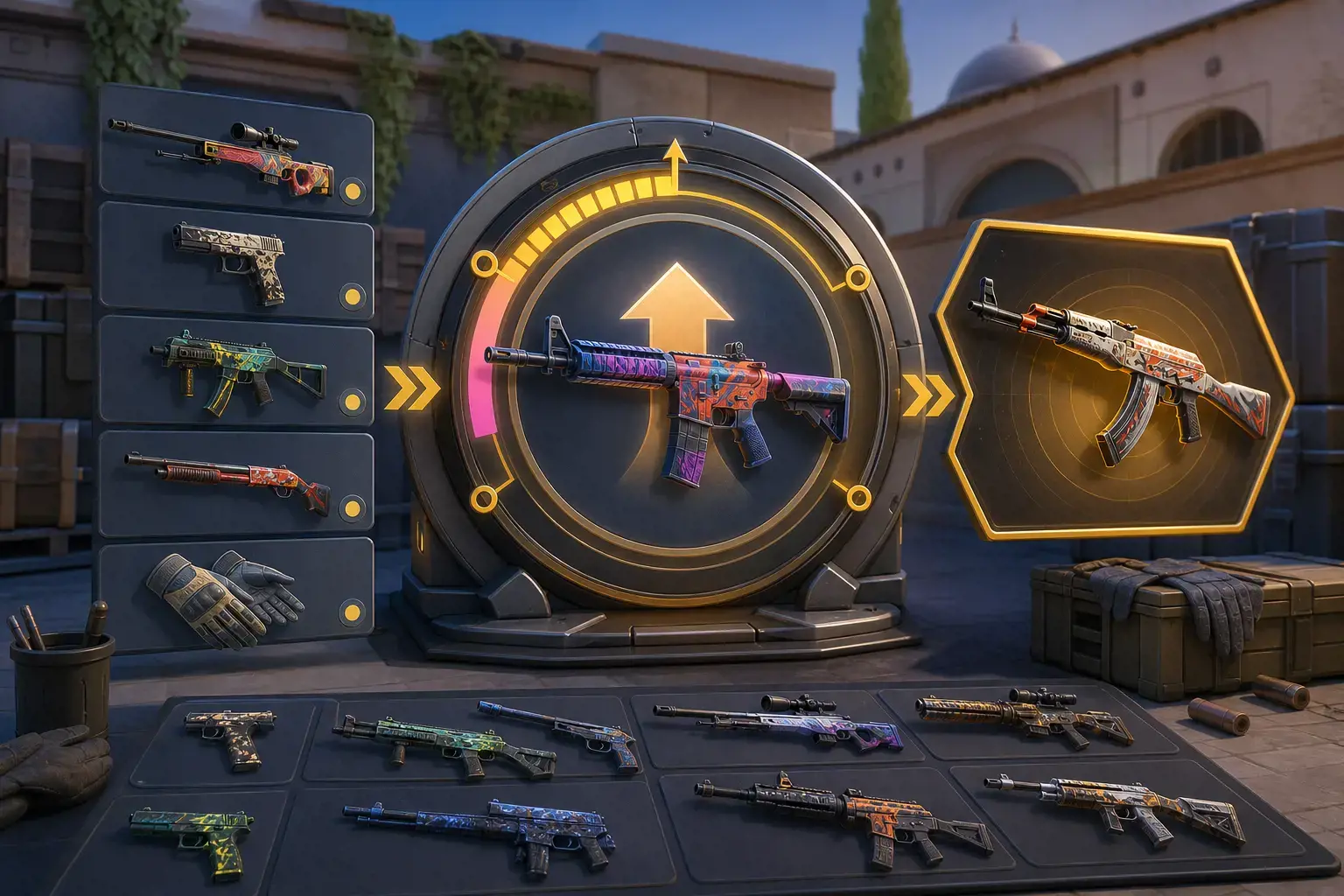
A CS2 skin upgrader is a feature on third-party skin sites that takes something you already hold, skins, site balance, or both, and turns it into one attempt at a single more expensive skin that you choose. If the attempt hits, the target skin is yours. If it misses, the target does not arrive, and what you put in is used up either way. An upgrader is not part of Counter-Strike 2 or Steam, and it is not Valve's Trade-Up Contract, which is a separate mechanic with its own rules.
This guide walks through one upgrade from start to finish. The examples use the SkinTrain Upgrader, because that is the one we can describe exactly. Other sites differ in the details, and the questions in the headings below are the ones worth asking of any of them.
What is a skin upgrader?
Every upgrader is built from the same five parts. The names change from site to site; the parts do not.
| Part | What it is | On SkinTrain |
|---|---|---|
| Source | What you put in | One or several skins from your SkinTrain inventory, an amount of your Coals balance, or both together |
| Target | The one skin you are trying for | A more expensive item you pick yourself: weapon skins, knives, gloves, agents, stickers and charms |
| Mode | The ruleset the attempt runs under | Classic or Turbo |
| Attempt | One press and one result | Decided once and recorded under its own ID |
| Check | How you confirm the result was not changed afterwards | Recompute it yourself on the provably fair page, under the Upgrade tab |
The idea underneath is simple: you are upgrading a skin to a more expensive one, and you name the more expensive one yourself.
What can you put into an upgrader?
The source is everything you commit to the attempt. On SkinTrain it can be skins, balance, or a mix of the two:
- Skins. One skin or several from your SkinTrain inventory. Each counts at the value the site shows for it, and several skins add up.
- Balance. An amount of Coals, with no skin involved at all.
- Both. Skins and balance together. The upgrader adds them into one source value and shows you the total.
The skins come from your site inventory, not straight from Steam, so an upgrade never reaches into your Steam inventory. Once you press upgrade, the source is used up whatever the result is. That is the part to be clear about before you start.
How do you choose the target?
The target has to be worth more than the source. That sounds obvious, but it has two edges. A target only barely above your source is not offered, and neither is a target so far above it that the upgrader will not offer the pairing at all. Between those edges sits the list of skins your source can reach.
There are two ways in. You can start from the source, select what you want to put in, and let the page list the targets it reaches. Or you can start from the skin you want, pick it first, and see what it takes to reach it. Either way the upgrader shows the pairing before you commit: the value going in, the value of the target, and whether that pairing is eligible. The wider the gap between the two, the harder the target is to hit, so one step up behaves very differently from a long reach.
If the skin you want is too far above your source, you raise the source: adding a second skin or topping up with balance moves the whole list upward. If it is too close to your source instead, put in less or pick a more expensive target.
What happens when you press upgrade?
Here is one upgrade on SkinTrain, in order.
- Pick the source. Say a case opening left you with a mid-priced rifle skin, and what you actually want is a pricier finish for the same rifle. You select the rifle skin.
- Pick the target. The target list now shows what that skin can reach. The finish you want is on it. A knife far above it is not, because the gap is too wide for one attempt from that source.
- Adjust if you need to. If the finish were just too far above the rifle skin, you would add another skin or some Coals until it appears.
- Pick the mode. Classic or Turbo. The next section explains the difference.
- Press upgrade. The source is taken, the attempt is decided once, and the arrow stops on the result.
- Read the result. On a hit, the target lands in your SkinTrain inventory, where you can keep it, sell it back for Coals, use it as the source of another upgrade, or withdraw it to Steam. On a miss, the target does not arrive. What a miss returns in each mode is laid out in How the SkinTrain Upgrader works.
- Check it if you want to. Every attempt has its own ID, and you can recompute it afterwards.
One attempt, one result. Nothing carries over from one attempt to the next, and a miss does not make the next attempt any more favorable.
What is the difference between Classic and Turbo?
SkinTrain runs the Upgrader in two modes.
Classic is the plain upgrade: your source against your target, and nothing else in the mix.
Turbo adds a fee paid in Sparks, sized by the total value you put in, whether that is skins or balance. In exchange it changes what an attempt can end in. Besides a hit and a full miss, a Turbo attempt can end in a partial return, a skin worth part of what you put in, or in a rare multiplied prize. Turbo is not an easier way to hit the target: what it changes is what an attempt that does not hit can look like. It unlocks at a set account level, shown next to the mode while it is still locked.
How do you know the result was not changed?
This is the question that separates an upgrader you can check from one you have to take on trust, and it is worth asking before you put anything in.
On SkinTrain, the seed that decides your attempt is locked before you press upgrade, and your browser already holds its fingerprint at that point. The result is computed from that seed together with your own client seed and an input from your own browser, so neither side sets it alone. Once the attempt is settled the seed is revealed, and anyone holding the attempt's ID can recompute it on the provably fair page, under its Upgrade tab. The page checks that the revealed seed matches the fingerprint and that the result recomputes from it.
An upgrade has its own proof, separate from any case opening or case battle, and it is checked on that same page. The general idea behind all of them is in Provably fair, explained.
Is a skin upgrader the same as a Trade-Up Contract?
No. A Trade-Up Contract is Valve's own feature inside Counter-Strike 2: you exchange a set number of items of one quality and always receive one item of the next quality, without choosing which. An upgrader is a site feature: you choose the exact skin, and one attempt can miss. The two are compared rule by rule in Skin upgrader vs Trade-Up Contract.
What should you check before using any upgrader?
Four questions cover most of it, on any site:
- Does it show the pairing before you commit? You should see what goes in, what the target is worth, and whether the pairing is allowed, before anything is taken.
- What exactly counts as the source? Whether you can use skins, balance, or both, and at what value a skin is counted.
- Can you check the result yourself? A result you can recompute is a different thing from a result you are told about.
- Where does the skin go if you hit? Into an inventory you control, with a clear route to Steam.
Frequently asked questions
Can you upgrade with balance only?
On SkinTrain, yes. The source can be an amount of Coals with no skin in it, skins with no balance, or the two together.
Can you put several skins into one upgrade?
Yes. Several skins from your SkinTrain inventory count as one source, at their combined value.
Can the target be a knife or a pair of gloves?
Yes, when your source is close enough to reach it. Knives and gloves are in the target catalog alongside weapon skins, agents, stickers and charms.
Does using the Upgrader touch my Steam inventory?
No. The Upgrader works on skins in your SkinTrain inventory. A skin reaches Steam only when you request a withdrawal.
Is an upgrader a way to make money?
No. An upgrade is entertainment with real value on the line, and any single attempt can miss. Treat what you put in as spent.
Play responsibly
Upgrading skins is entertainment for adults aged 18 and over. Decide what you are comfortable putting in before you open the page, and stop when it stops being fun.